How to build a custom marketplace: builder or own code, payments, steps, and cost


A custom marketplace starts with two choices, the business model and how money moves. Then you build three parts on one backend: a buyer side, a seller side with onboarding and payouts, and an admin panel for moderation and disputes. With us, a custom web build costs from $20,000 and takes at least 8 weeks. If you only need to test demand, a no-code builder such as Sharetribe charges a monthly fee instead: from $199 per month billed yearly, plus a charge for usage above the plan's allowance.
This guide is for founders and companies who plan a marketplace and want to know what the work involves before they ask for quotes. Our marketplace development services page describes the service we offer for this work.
What makes a marketplace different from an online store
An online store sells its own goods. A marketplace lets many independent sellers list theirs and typically takes a commission on each deal. For the software, the difference is the seller: every seller needs an account, a check before the first payout, a catalog they manage, and their share of each payment.
| Question | Online store | Marketplace |
|---|---|---|
| Who sells | The store itself | Many independent sellers or service providers |
| How money moves | The buyer pays the store | Buyers pay the platform, and it pays each seller minus a commission |
| Who adds listings | The store's team | Sellers, with moderation by the platform |
| What the admin panel does | Orders, stock, and prices | Seller approval, commissions, payouts, and disputes between buyers and sellers |
If you sell only your own goods, you need an online store, and our e-commerce development page covers that case.
Types of marketplaces and what each one changes in the software
The type of marketplace, whether product, service, rental and booking, or B2B, decides the hardest parts of the backend: how a deal happens, when the money moves, and what can go wrong. Pick the type before the feature list.
| Type | Examples of deals | What the software must handle |
|---|---|---|
| Product marketplace | Handmade goods, spare parts, used items | A catalog per seller, shipping by each seller, one cart with items from several sellers |
| Service marketplace | Freelancers, tutors, home repair | Profiles, quotes or bookings, payment held until the work is done |
| Rental and booking marketplace | Rooms, equipment, berths for boats | Availability calendars, booking approval by the owner, cancellations |
| B2B marketplace | Wholesale goods, industrial supplies | Company accounts with several users, volume prices, invoices |
Each type can be vertical, serving one niche such as boat berths, or horizontal, covering many categories. Start a new marketplace vertical: a narrow niche makes it easier to find the first sellers and to explain why buyers should come. Our job portal app development guide shows the same start for a hiring marketplace: one city, one trade, or one type of shift.
Builder, open source, or custom build
Start on a builder when you need to test demand and your deal works the way the builder expects. Take an open-source platform when you want to own the code and have developers to run it. Build custom when the rules of the deal are your product: how you check sellers, when money moves, and what happens when a deal fails.
| Option | Example | What you get | Where it stops |
|---|---|---|---|
| No-code builder | Sharetribe | A working marketplace in days, a monthly fee, hosting included for the no-code marketplace | Transaction logic runs on the builder's servers; leaving means replacing its backend |
| Open-source platform | Mercur | Source code you own and can change, no license fee | You choose the hosting and maintain it, in its own stack, with your own developers |
| Custom build | Your own backend and apps | Your own rules for sellers, payments, and disputes | The highest starting cost and the longest start |
Sharetribe charges $199 per month billed yearly for its Live plan, which runs a marketplace with real users and payments. The plan includes a monthly allowance of usage credits, and usage above it is billed separately. Developers can change the code on every plan, and you host that custom code yourself. Sharetribe says that databases and business logic run on its servers, and that a marketplace that leaves but keeps its Sharetribe Web Template code has to replace Sharetribe's backend and APIs with its own.
Mercur is an open-source platform for multi-vendor marketplaces under the MIT license. It is built on the Medusa commerce engine with TypeScript and Node.js, so your team picks the hosting and maintains that stack.
“Before a custom build, ask what your marketplace does that a builder cannot. If the answer is only the look, launch on the builder and spend the money on finding sellers.”
Roman Surikov, CEO at Ronas IT
If a builder covers your flow, we will tell you so before quoting a custom build.
How money moves on a marketplace
The buyer pays the platform, the platform keeps its commission, and each seller gets the rest in a payout. Around that simple flow sit the parts that take the most backend work: who is the merchant of record, when the seller's share is released, and who pays when a refund or a dispute comes after the payout.
Payment providers offer this as a product. Stripe's marketplace guide for Connect covers a marketplace that is the merchant of record: the platform is legally responsible for the goods and services its sellers provide, pays Stripe fees, manages disputes and refunds, and covers the negative balances of its sellers' accounts. Decide who is the merchant of record first, because the refund and dispute rules follow from it and belong in the design from the start.
- One seller per payment: Stripe calls this a destination charge. It fits a service or booking marketplace, where each deal has one buyer and one seller.
- Several sellers in one cart: separate charges and transfers. The buyer pays once, and the platform sends each seller their part later, which fits a product marketplace.
- Commission: the platform keeps a fee from each payment before the seller's share goes out, or charges sellers a subscription instead.
- When to charge: for bookings, the card can be saved at request time and charged only after the seller accepts, so a declined request needs no refund.
Seller onboarding, checks, and trust
A marketplace works only if buyers trust sellers they have never met. The software builds that trust in four places: it verifies sellers before they get paid, reviews listings before they go live, collects reviews after each deal, and watches for fraud signals.
- Identity and payout checks: the payment provider verifies every account that receives payouts, and a separate identity service can check users who rent or book. The seller app should make this one clear step, because a long form can stop sellers before they list anything.
- Listing moderation: a new listing waits for an admin's approval before buyers can see it.
- Reviews and ratings: buyers rate the seller or the item after a completed deal, and the rating can lift a listing in search. In the US, the FTC's rule on fake reviews bars businesses from creating, buying, or selling reviews that claim to come from someone who does not exist, “such as AI-generated fake reviews.” Accept a review only from the account that completed the deal, and flag a seller whose rating jumps in a short time for an admin to check.
Laws can set their own checks. If high-volume sellers offer new or unused consumer products on your marketplace in the US, the INFORM Consumers Act can require you to collect and verify their bank, contact, and tax details, have them confirm those details every year, and show a way to report suspicious activity on their listings. Plan these fields and the yearly confirmation into seller onboarding; your lawyer confirms whether this or another law applies.
Marketplace features for buyers, sellers, and the admin team
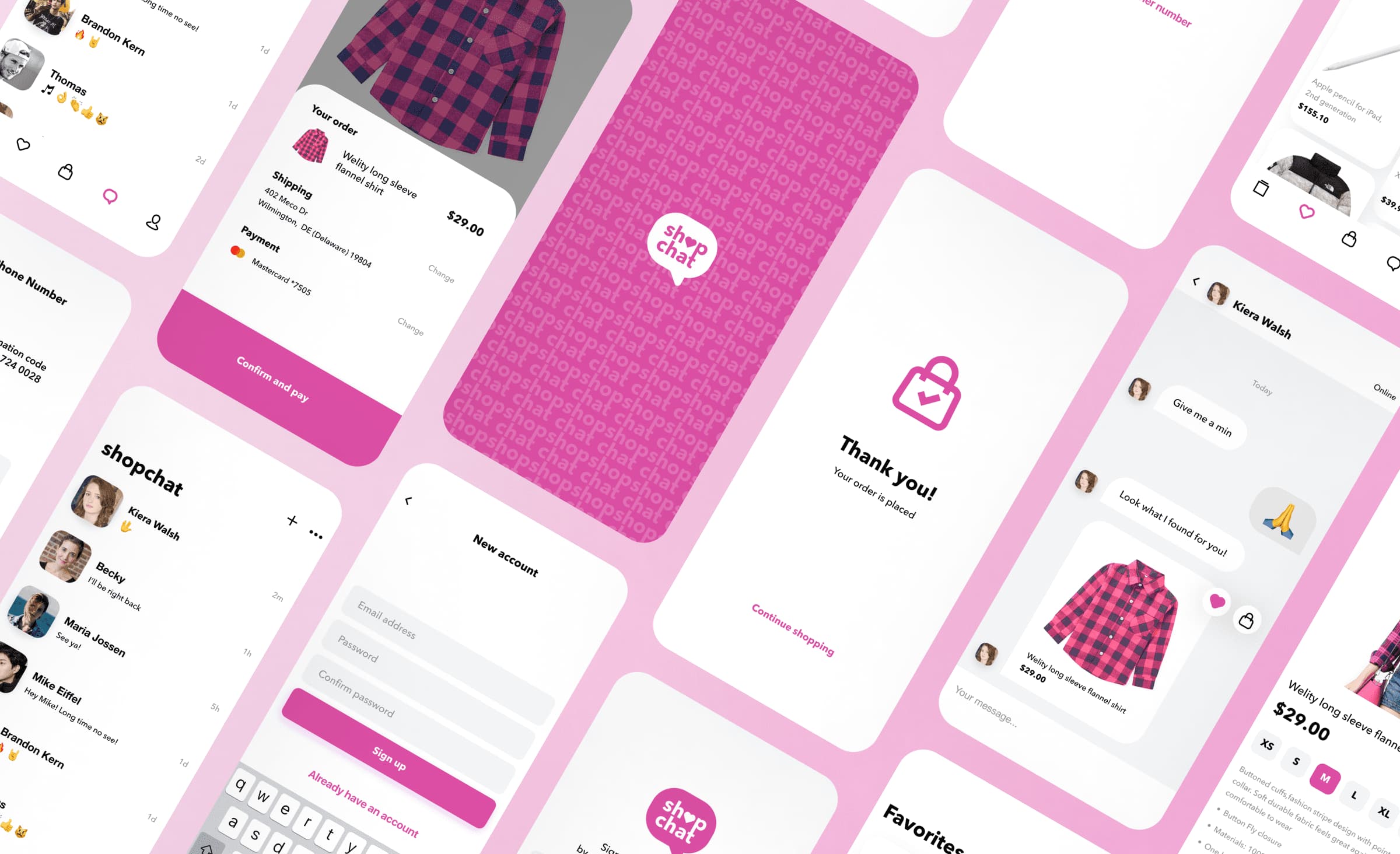
A marketplace has three sides, and each needs its own screens on the same backend. Buyers need search, a listing page, and checkout; sellers need onboarding, listings, and payouts; the admin team needs tools to approve sellers and settle disputes.
Buyer side
- Search and filters: by category, price, location, and dates, with a map when location matters.
- Listing page: photos, the seller's profile and rating, and availability or delivery options.
- Checkout or booking: payment, and a status the buyer can follow until the deal is done.
- Messages: a chat with the seller about the listing, so the details stay on the platform.
Seller side
- Onboarding: sign-up, identity and payout checks, and the first listing in one flow.
- Listings and prices: create and edit listings, set prices and discounts, and block dates that are not available.
- Orders or bookings: accept or decline requests, and see what to deliver next.
- Earnings: payouts, transactions, and receipts.
“I compare each seller flow with how sellers do the same task today. If listing an item or answering a booking takes a seller longer in the app, the catalog stays empty, and the buyer app has nothing to show.”
Alexander Storozhevsky, Lead developer at Ronas IT
Admin panel
- Sellers and listings: approve new sellers, review listings, and block accounts.
- Commissions: set the platform's fee, for example per category. On Noah, a farmer marketplace we built, managers set a commission for each product category, while producers set their own prices and discount codes.
- Payments and disputes: refunds, payouts, and the record of each transaction.
- Content and settings: categories, promo codes, and the pages buyers see.
Docky: a berth rental marketplace we built
Docky is a marketplace from Malta where owners rent out boat berths and yacht owners book them; the client planned to earn a commission on every transaction. Berth owners got a web app to list and manage their berths, and yacht owners got a mobile app to book them; we designed and built both.
- Checks: users verify their identity with Stripe Identity before they rent or book, and a new berth goes live only after a moderator reviews it.
- Payments: Stripe Connect handles payments and payouts. The app saves the card when the booking is requested and charges it only after the berth owner approves, so a request the owner cancels needs no refund.
- Scope: the goal was to deliver both apps within a budget of $300,000-$400,000 and six months. The design went through many revisions and new features kept coming, so the project grew nearly threefold from its original first-release scope. We delivered the agreed scope within that budget and timeline, with a working first version in the first three months.
- A feature we dropped: marine navigation to the berth. Sea routes differ from roads, we found no reliable service or API for them, and building one from scratch would have cost too much.
Our team noted in the case study that one cross-platform app for both roles would have been the more practical start, with a web version later if needed. The client asked for both a web app and a mobile app in the first version, so the mobile app, the web app, and the landing page lived in one repository. We planned to reuse React Native screens in the Next.js web app, but they made the web build too heavy, so the web app and the landing page stayed on Next.js with their own HTML and CSS markup, and the apps shared only non-visual code.
Our default tech stack for a custom marketplace
Our default is one Laravel backend that owns listings, deals, and money, with web and mobile apps on top of its API. The same backend serves the buyer, seller, and admin sides, so a rule changes in one place. Every tool we use is on our public tech radar.
- Backend: Laravel with PostgreSQL, Redis for queues and caching, and Elasticsearch when the catalog needs full-text search with many filters.
- Buyer and seller web app: Next.js, which renders pages on the server so search engines can read listings.
- Admin panel: Laravel Backpack by default or Laravel Nova, or a React or Next.js web app when it needs screens those tools cannot provide. Docky's admin panel was built with Laravel Nova.
- Mobile apps: React Native with Expo, one codebase for iOS and Android.
- Chat and live updates: a Laravel Reverb WebSocket server pushes new messages and booking answers to the screen without a refresh.
- Payments and payouts: a provider with marketplace support, such as Stripe Connect, which we used on Docky and on the Lainappi rental app.
- Hosting and monitoring: production is hosted in a cloud account you own and set up with Terraform, and Sentry tracks errors in your account too.
How much does it cost to build a custom marketplace?
At Ronas IT, a custom web marketplace costs from $20,000, and each mobile app or separate seller app adds from half that price. The price of the build grows with the number of roles and apps, a cart with several sellers, a booking calendar, and the outside services you connect, such as shipping or tax calculation.
Our engineers build with AI agents at every stage, including the standard parts such as the catalog, the buyer and seller accounts, and the admin panel. The money flow and payouts, the seller checks, and the payment integrations still need engineers' decisions, and that is where most of the estimate goes.
| Scope | Starting price | Timeline |
|---|---|---|
| Optional analysis before the build: user flows for each side, a written scope, and an estimate | $1,000-$2,000 | At least 1 week |
| Custom web marketplace: buyer and seller sides in one web app, an admin panel, and a backend with payments, payouts, and seller checks | From $20,000 | At least 8 weeks |
| Cross-platform mobile app for iOS and Android on the same backend | From $10,000 | Built alongside the web app |
| Support and maintenance of the web marketplace with its backend and admin panel: monitoring, fixes, and updates | From $1,000 per month | Ongoing |
| Support and maintenance of the whole system once the mobile apps join | From $2,000 per month | Ongoing |
The build price includes the design of all three sides, project management, testing, and automated deployment; your estimate shows which apps your project needs. The backend and the admin panel are not counted as separate apps.
Two costs come from other companies and are not in these prices. The payment provider charges the platform its payment and payout fees, and the cloud hosting runs in your own account, so you pay the cloud provider directly.
Step-by-step plan for a custom marketplace
Settle the business model, the money flow, and the seller checks before any design, and launch in one niche before you grow.
- Choose the niche and the model. The founder picks the type of marketplace, the first niche or city, and how the platform earns money.
- Decide how money moves. The founder and a lawyer confirm who is the merchant of record, which seller checks apply, and how refunds and disputes work, then pick a payment provider that supports that flow.
- Choose a builder or a custom build. We compare your flow with what a builder supports, using the options table above, and tell you if a builder covers it.
- Map the flows for each side. Our analysts write user flows for buyers, sellers, and admins. When the scope is still unwritten, a separately paid analysis phase, which you can skip, turns them into a written scope and an estimate.
- Design the three sides. Our designers start with a concept on a few key screens and a feature map for all three sides, then build the rest of the screens from a UI kit, and another designer reviews them. AI drafts speed up the routine screens.
- Build the side you will launch with before the other one. In most niches that is the seller side, starting with sign-up and listings. Sprints usually last one to three weeks, and after each one you can try the new part of the marketplace yourself.
- Launch in the first niche. Usually the founder brings sellers in before buyers, so the first buyers find listings to choose from. Where the niche has many small sellers, the founder starts with buyers instead and brings sellers in once there is demand. New niches come after the first one works.
What to do next
Three decisions make an estimate for a marketplace much more precise:
- Name the type and the first niche. A product, service, rental, or B2B marketplace, and the one niche you will launch in.
- Write down how a deal pays. One seller or several per payment, when the seller gets paid, and what happens on a cancellation.
- Test the flow against a builder. If a builder covers it, start there; if not, list the rules the builder cannot handle, because those rules are what a custom build is for.
First published 2023-05-17 by Dmitry Lauretsky, Former COO at Ronas IT. Rewritten by Evgeny Leonov.


Frequently Asked Questions (FAQs)
How much does a custom marketplace cost?
A custom web marketplace from Ronas IT starts from $20,000. That starting price covers one web app with a buyer side and a seller side, an admin panel, a backend that handles payments and seller checks, the design of every side, project management, testing, and automated deployment. A cross-platform mobile app on the same backend adds from $10,000, and support after launch starts from $1,000 per month.
What tools can I use to build a marketplace?
There are three routes. A no-code builder such as Sharetribe gives you a working marketplace without code. An open-source platform such as Mercur gives you source code you own, and you choose the hosting. A custom build runs on your own backend: our default is Laravel with PostgreSQL, Next.js for the buyer website, React Native for the mobile apps, and a payment provider with marketplace support, such as Stripe Connect.
Can I build a marketplace without coding?
Yes. No-code builders give you listings, search, bookings or orders, and payments without code, and you can launch in days. The limit is the transaction logic: it runs on the builder's servers, so a rule the builder does not support needs a developer, and leaving the builder later means replacing its backend.
How do online marketplaces make money?
Marketplaces typically charge a commission on each deal. Other models are a subscription for sellers, a fee per listing, and paid promotion in search. A commission needs the platform to take the payment and send the seller's share later, so the model you choose shapes the payment setup.
What is the difference between an online marketplace and an online store?
A store offers products it owns, while a marketplace hosts listings from many independent sellers, collects the buyer's payment, and sends each seller their share. That adds software a store does not need: seller onboarding and checks, a catalog per seller, payouts, and a way to settle disputes between buyers and sellers.
How do split payments work on a marketplace?
The platform takes the buyer's payment and sends each seller their part minus the commission. With Stripe Connect, for example, a payment that goes to one seller can be sent on to that seller in the same charge, while a cart with items from several sellers is charged once and then split into separate transfers.
Do I need to verify sellers on my marketplace?
Usually yes, for two reasons. Payment providers check the identity of every account that receives payouts. Laws can add their own checks: in the US, the INFORM Consumers Act requires marketplaces to collect and verify information about high-volume sellers of new or unused consumer products. Which rules apply to your marketplace is a question for a lawyer.
How do I build a marketplace app?
Build the app on the same backend as the rest of the marketplace, and start where your buyers and sellers already look. Sellers who manage bookings away from a computer need a phone app, while listings on a website can appear in search engine results. A cross-platform app can serve both roles, and with React Native one codebase runs on iOS and Android.
How do I build a B2B marketplace?
The core is the same as for any marketplace: seller onboarding and checks, seller payouts, and an admin panel for approvals and disputes. Plan for what B2B deals add on top: company accounts with several users, volume prices, and invoices.